Share classes and holdings
Share classes, voting rights, nominal values and each holder's interest, with certificate numbers for every holding.
The platform
From onboarding to offboarding, every module in Vericia works from a single corporate record and applies the rules of each jurisdiction. There is nothing to integrate and nothing to reconcile.
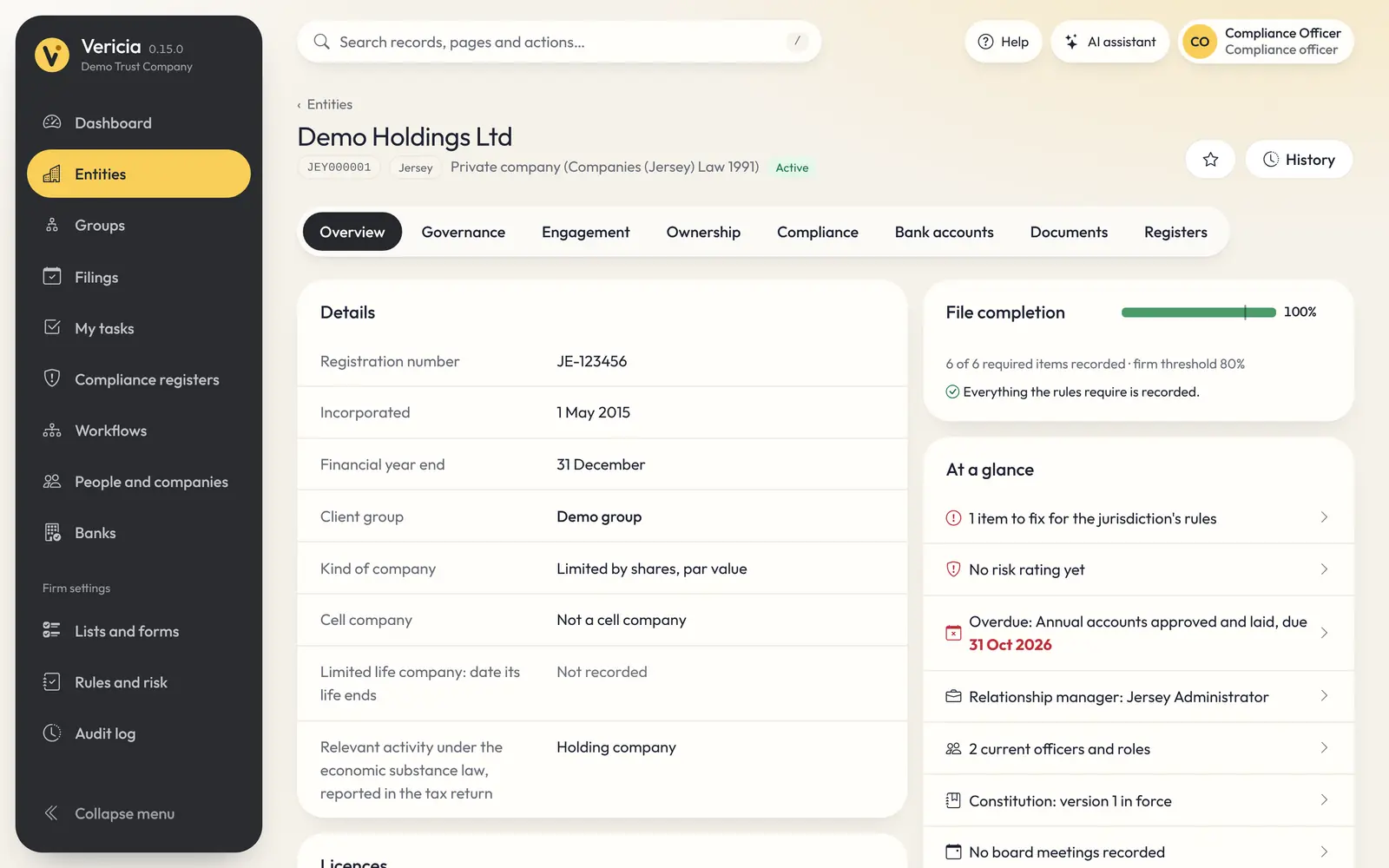
Entities and ownership
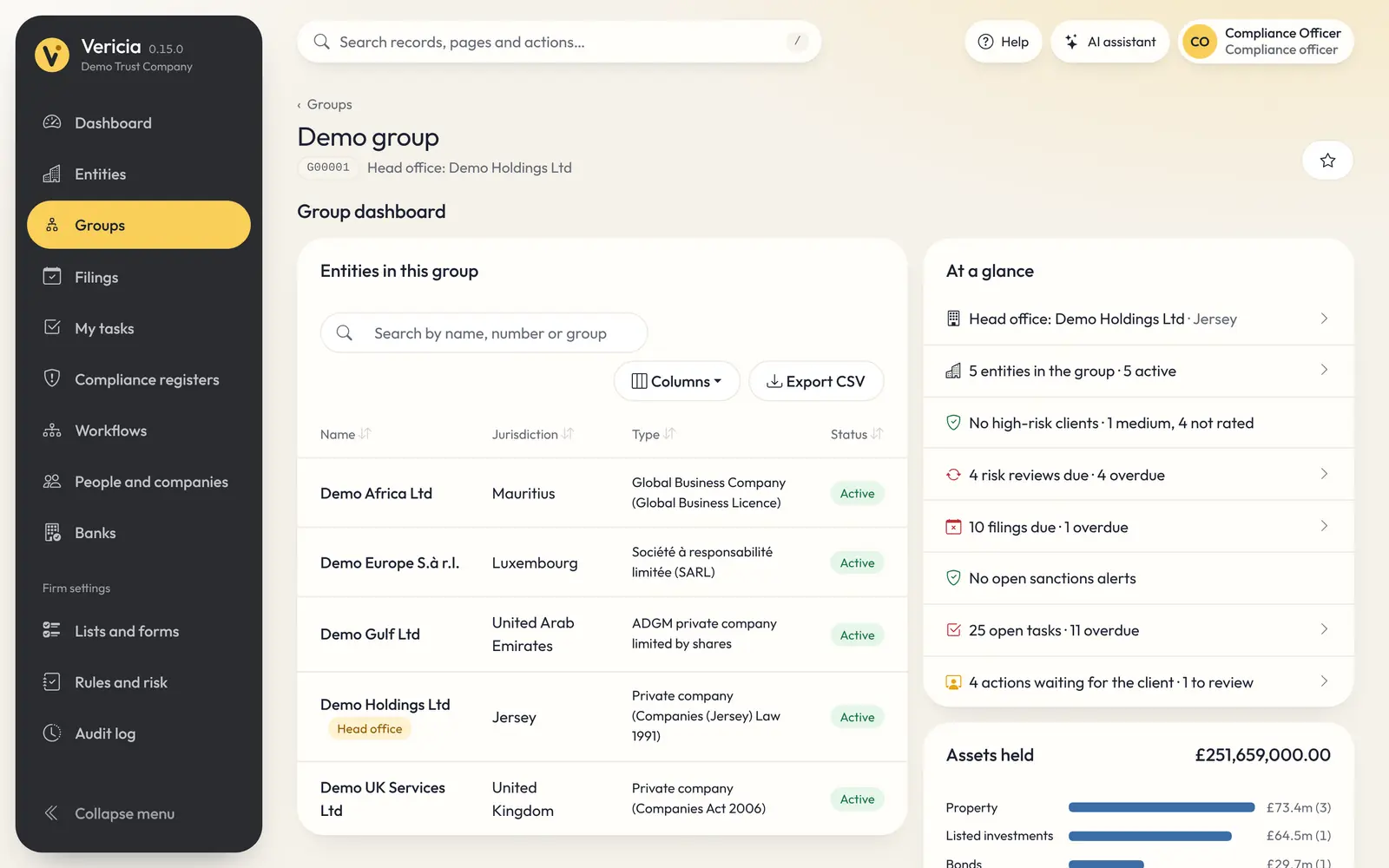
Companies, trusts, foundations, partnerships and LLPs, each set up as its jurisdiction defines it. Officers, shareholders, beneficial owners and assets are all connected, so ownership is traced through every layer of a structure.
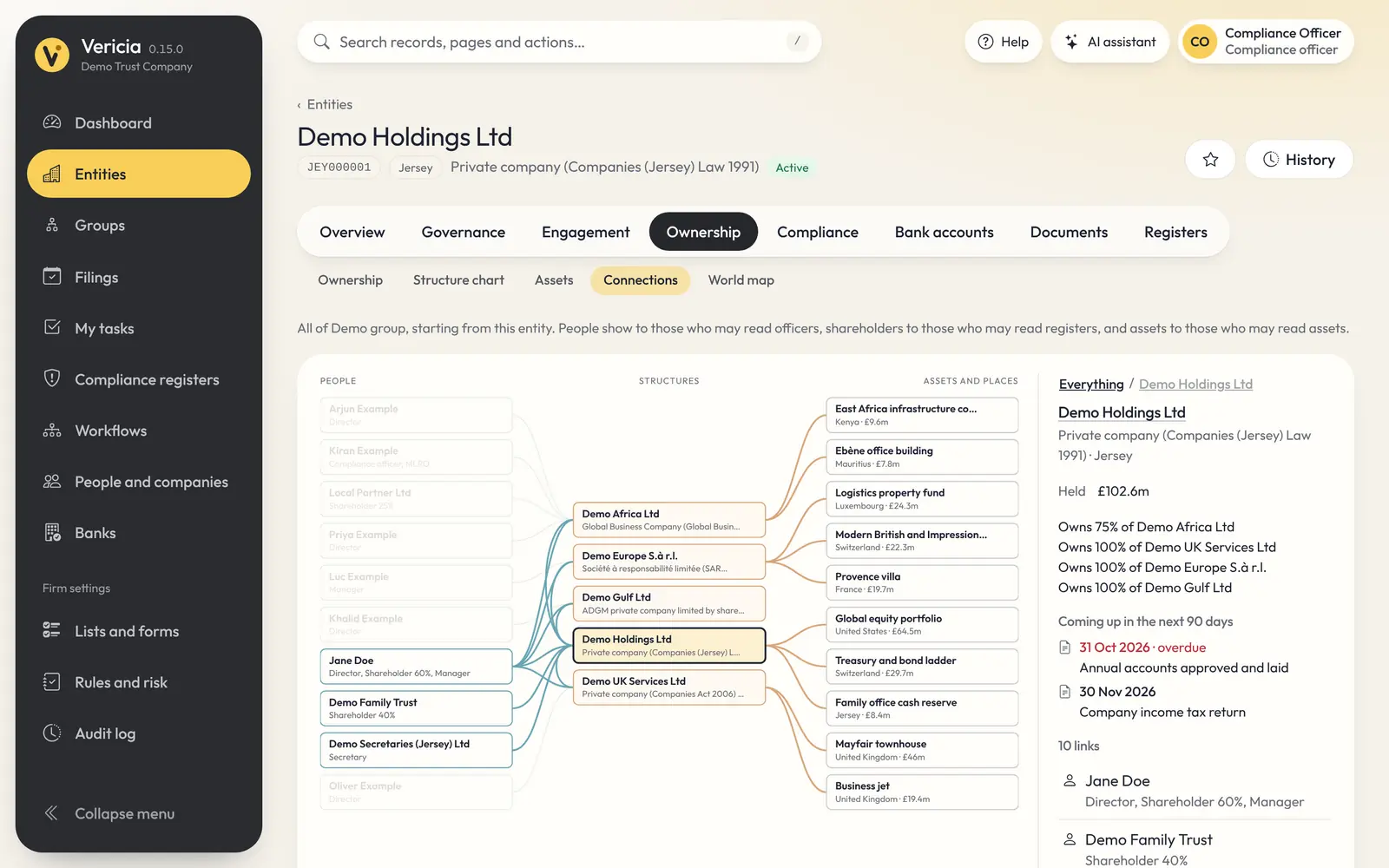
Corporate governance
Officer changes, constitutions, meetings and resolutions follow the rules of each jurisdiction. The documents and registry notices that go with them are prepared automatically.
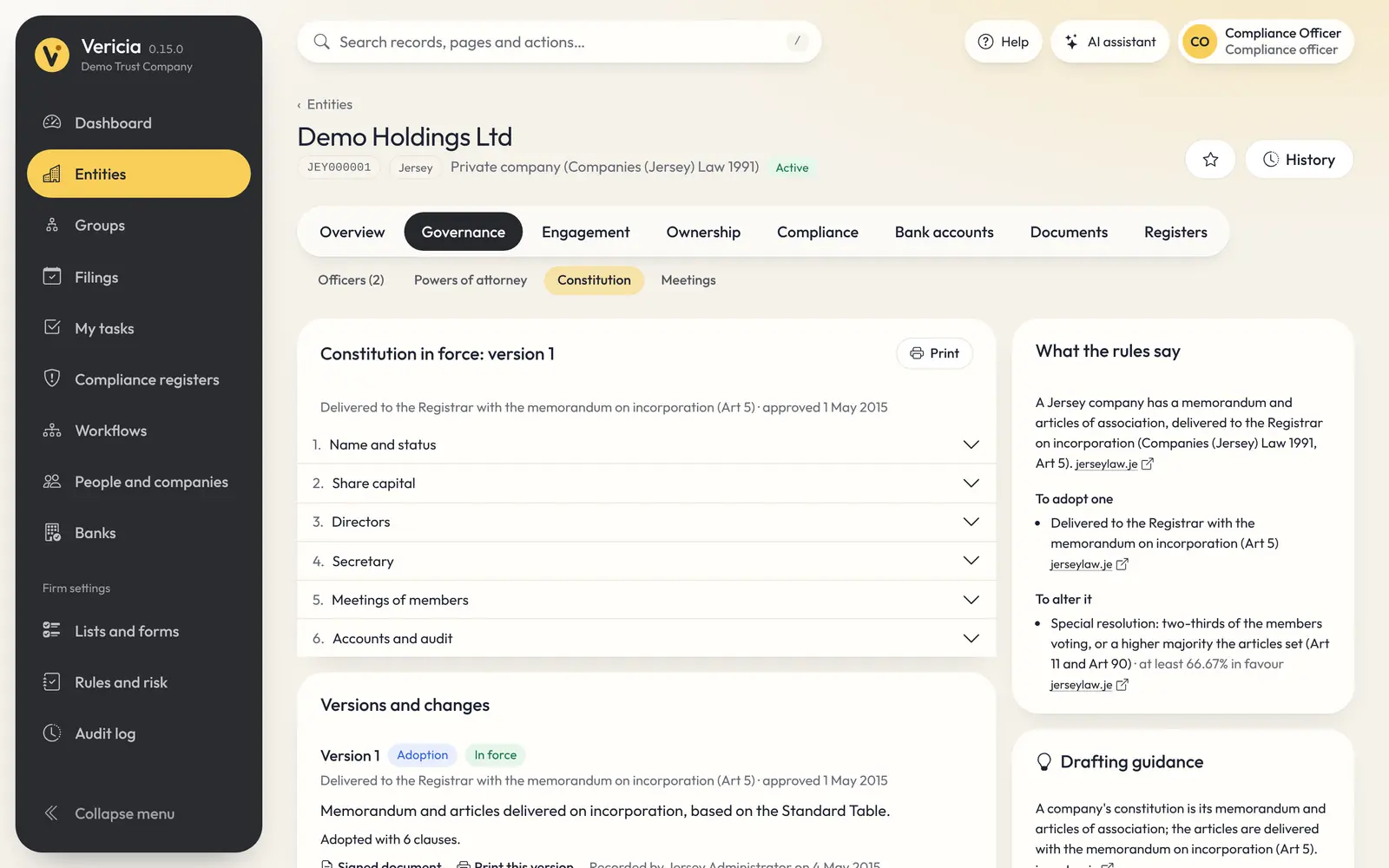
Compliance and screening
Customer due diligence, risk assessment and screening share the same records as the entity. A new owner or director is screened and assessed without anything being entered twice.
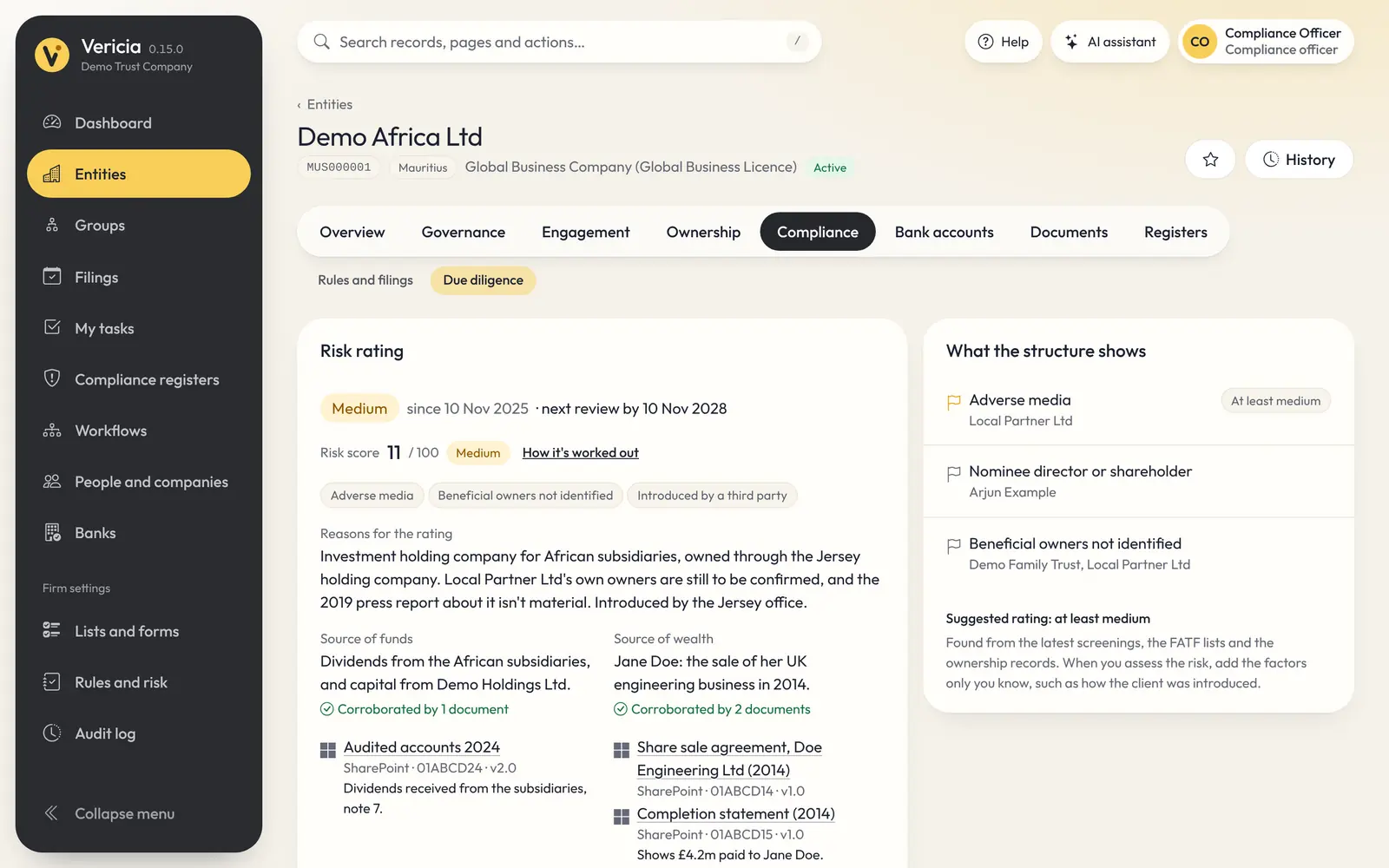
Statutory filings
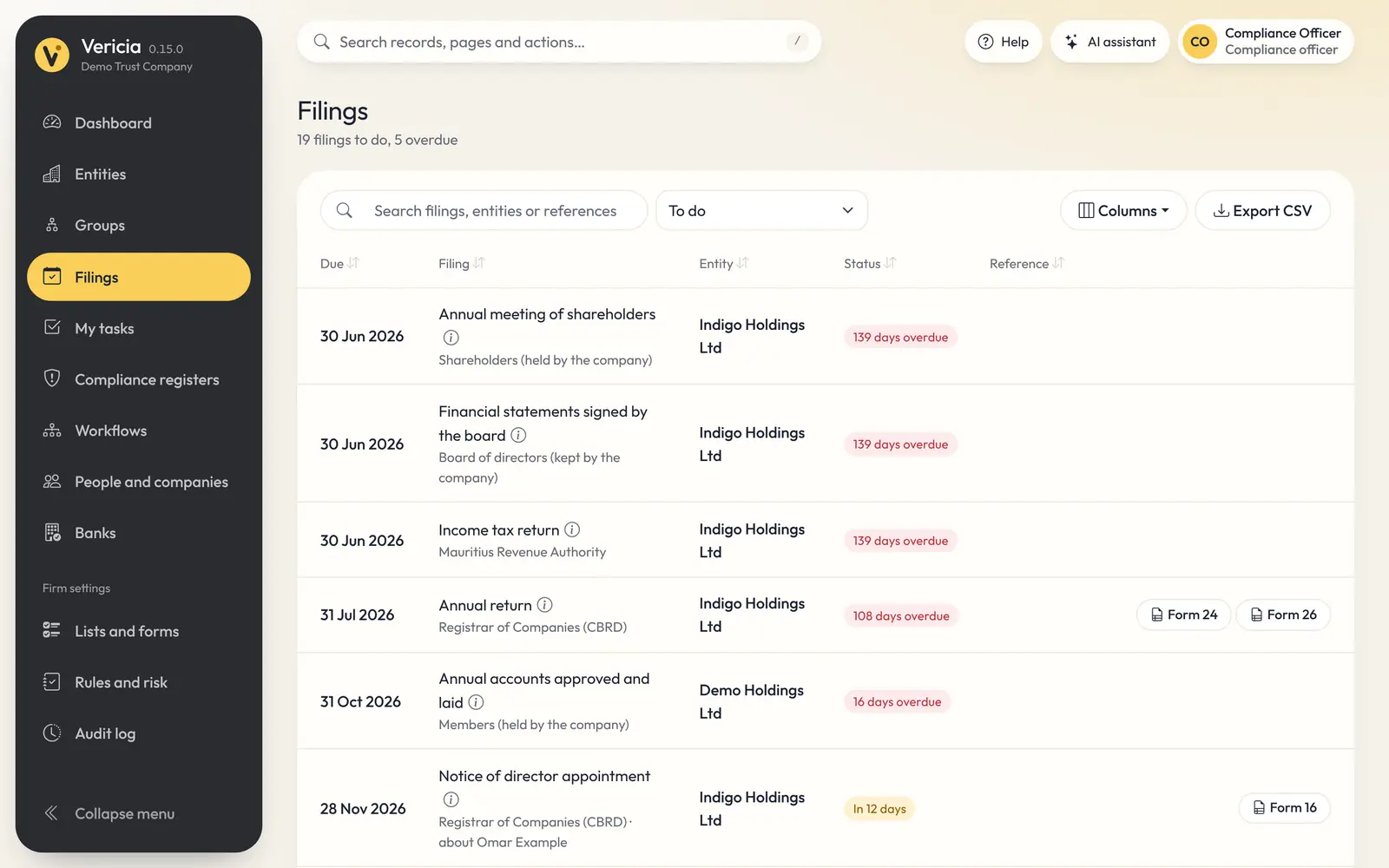
The rules pack builds a compliance calendar for each entity from its type and financial year end, and raises a filing the moment something changes: a new director, a new owner or an amended constitution.
Registers and reports
Registers are produced from the records as they stood on the date you choose, in Vericia's standard layouts or in your firm's own templates.
Registers of members, directors, secretaries and beneficial owners, in the form each jurisdiction prescribes.
A single report of an entity's particulars, officers, owners and bank mandates, showing each legal requirement and whether it is met.
Firm-wide registers of tax residence, risk ratings and assets under administration.
Design company extracts, letters and registers in your house style.
Bank accounts, authorised signatories and bank letters, with account numbers masked to their last four digits.
Every list exports to CSV. Your data remains yours, with no charge to access or export it.
Workflows and tasks
Onboarding, offboarding and officer appointments run as structured workflows with checks, tasks and approvals. Each step reaches the right person at the right time.
From prospect to client: team assignment, engagement agreement, compliance approval and director sign-off. Offboarding is just as controlled.
The details the registry requires, consents, resolutions and the filing itself, in the right order.
Tasks raised by the rules, by workflows and by client requests, each with an owner and a due date.
Steps that require a second person, with a record of who approved and when.
Email reminders ahead of each deadline, and a calendar feed for Outlook and other calendars.
Requests made by clients in the portal arrive as tasks for your team.
Teams and portfolios
Relationship managers, teams and portfolios, with dashboards that each person can arrange to suit the way they work.
Vericia AI
Vericia AI answers questions from your records, reads client documents and prepares record changes for your approval, within the same permissions and audit trail as your people.
Ask what is due, who owns what or why a filing applies. Every answer lists the records it read.
Passports, proofs of address and company documents are read and compared with the record.
It prepares the updates, filings and client requests. Nothing is saved until you approve.
Integrations
Vericia's own screens run entirely on its API. Whatever your people can see in Vericia, your other systems and AI tools can read in the same way, under the same controls. Ready-made connectors link your document, accounting and AI systems.
# Your finance system reads what your people see
GET /api/v1/entities/demo-holdings/filings
200 OK  ·  4 filings due, 1 overdue

# Vericia tells your systems when something happens
POST https://your-system.example/hooks
{ "event": "officer.appointed",
"entityId": "demo-holdings" }Document management
Find a document from any record and link it. The file stays where it is.
Accounting
Invoices raised to each client are pulled in on a schedule and matched to the right entity.
AI apps
Ask about your records from the AI app you already use, through Vericia's MCP server.
Administration
Your administrators tailor Vericia to your firm: who can see what, which fields are mandatory and which requirements your firm adds to those set by law.
Rights for each module and jurisdiction are granted through teams, and each team can be limited to the entities it looks after, so a desk sees only its own clients.
Decide which sensitive fields are masked for each role.
Mandatory fields, custom fields and firm-specific requirements for each entity type, approved by a second person and given an effective date.
Searchable guides open at the topic for the screen you are on, in English and French, with light or dark mode.
Every update carries a version number, and What's new explains each change to your administrators.
Every change and every view of sensitive data, across the firm or for a single entity.
See it for yourself
Book a 45-minute demonstration. Tell us which jurisdictions you administer, and we will show you Vericia at work on structures like your own.