Client portal

Your service, in your clients' hands

A secure portal under your firm's name and brand, one for each client group. Clients find every page in a side menu in your colours: their structures, assets, calendar, documents, and one place for what you have asked of them and what they have asked of you. Their instructions become tasks for your team. No more chasing by email.
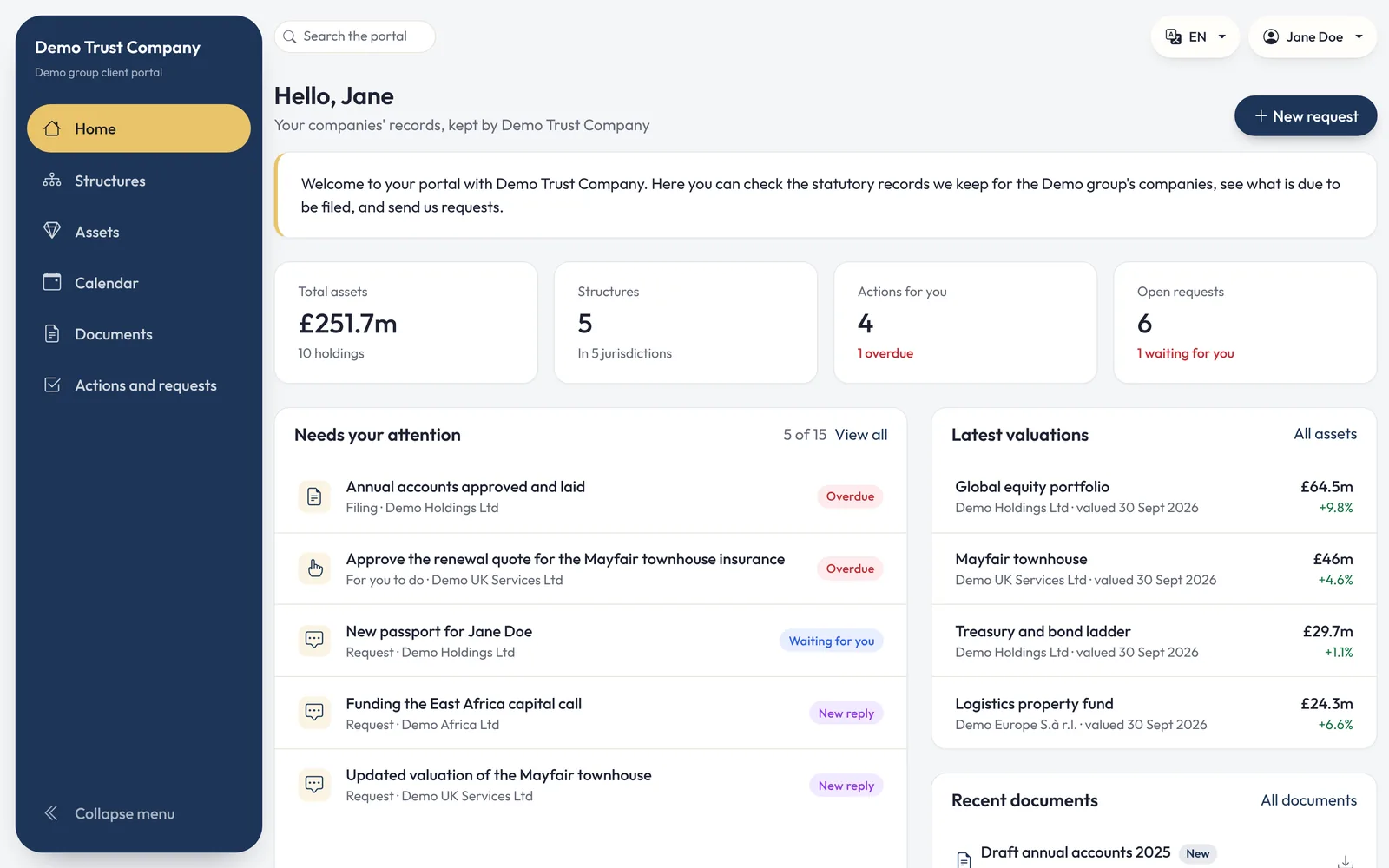
Demo dataDemo data: client portal home page for the fictitious Demo group, run by Demo Trust Company, with the side menu, total assets, structures, actions and open requests
Demo data: Demo Trust Company and the Demo group are fictitious.

What clients see

Their structures, clearly presented

You decide which sections each portal includes. Clients only ever see the entities in their own group, and find each page in a side menu that folds away to icons.
Demo data
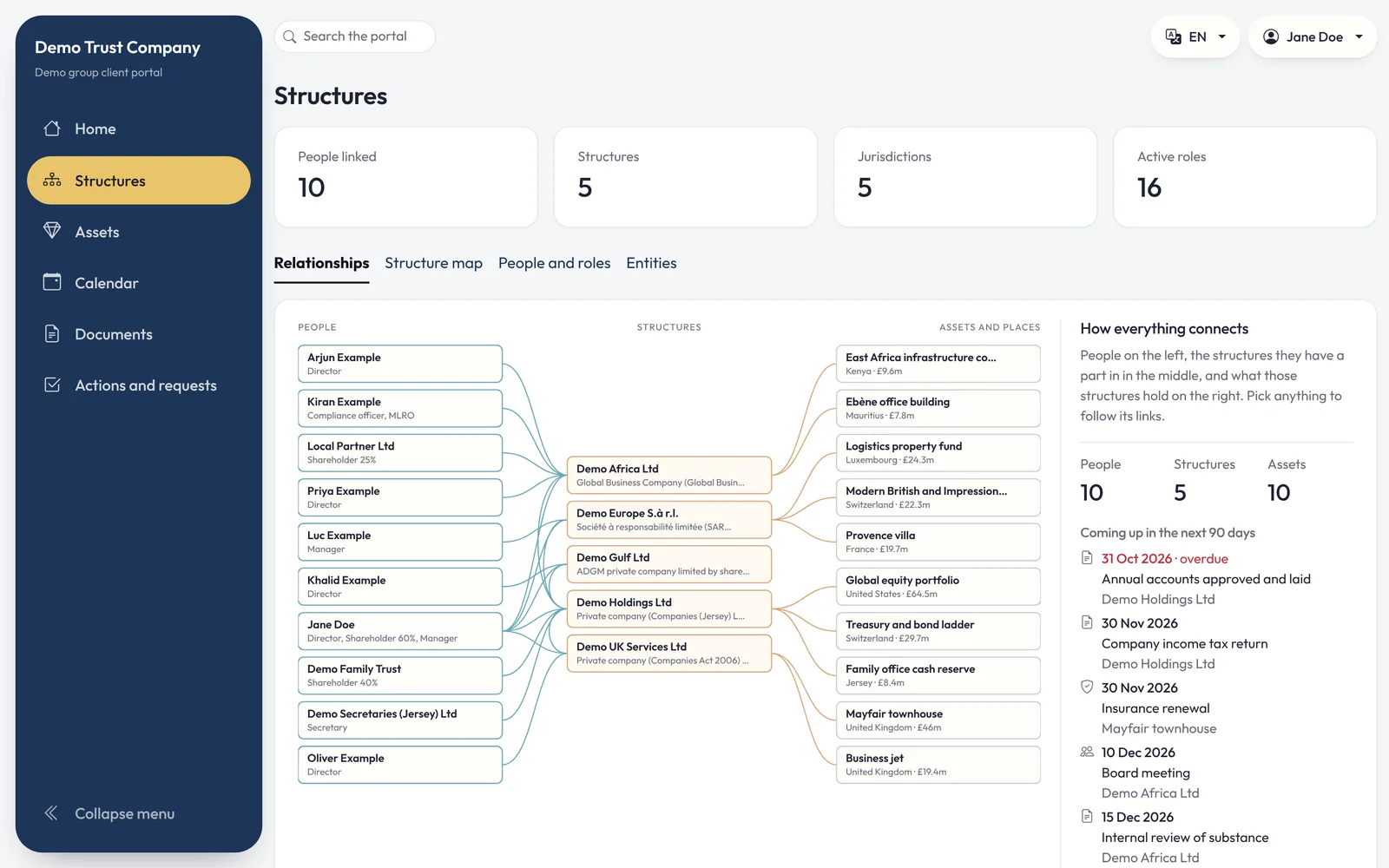
Demo data: portal Structures page with the relationships diagram linking people to entities and assets
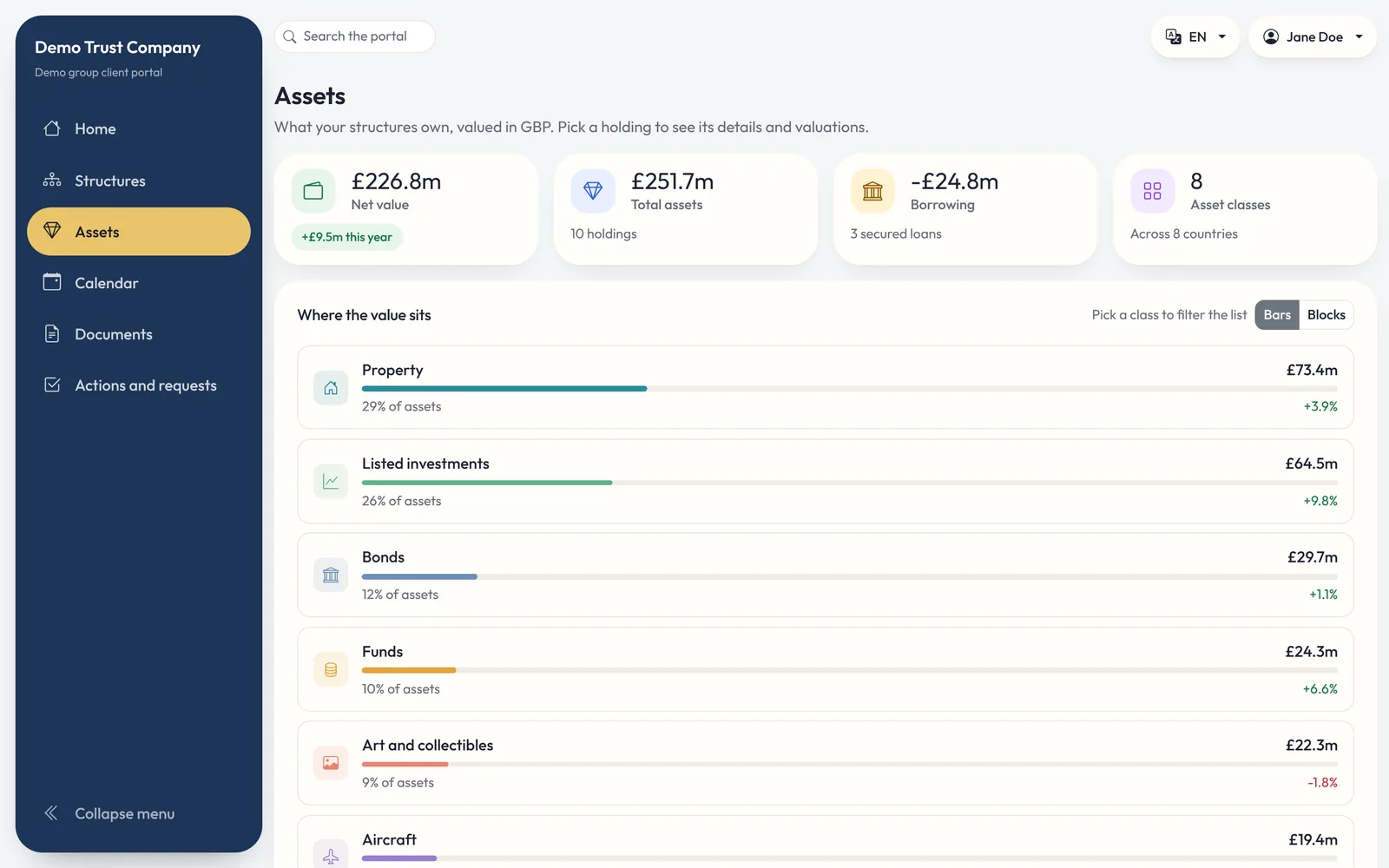
Demo data: portal assets page showing net value and value by asset class
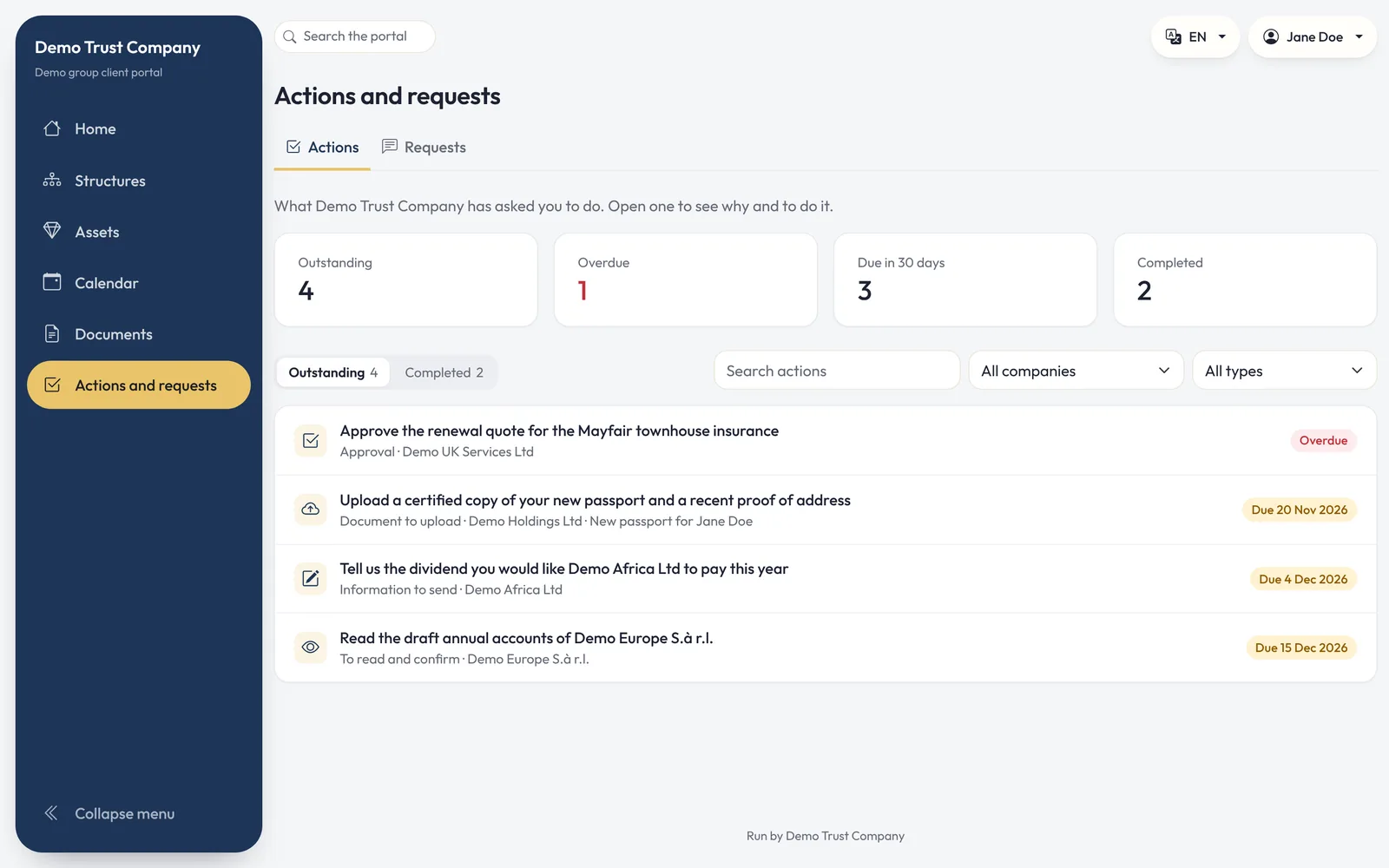
Demo data: portal Actions and requests page listing the approvals and uploads the firm has asked for
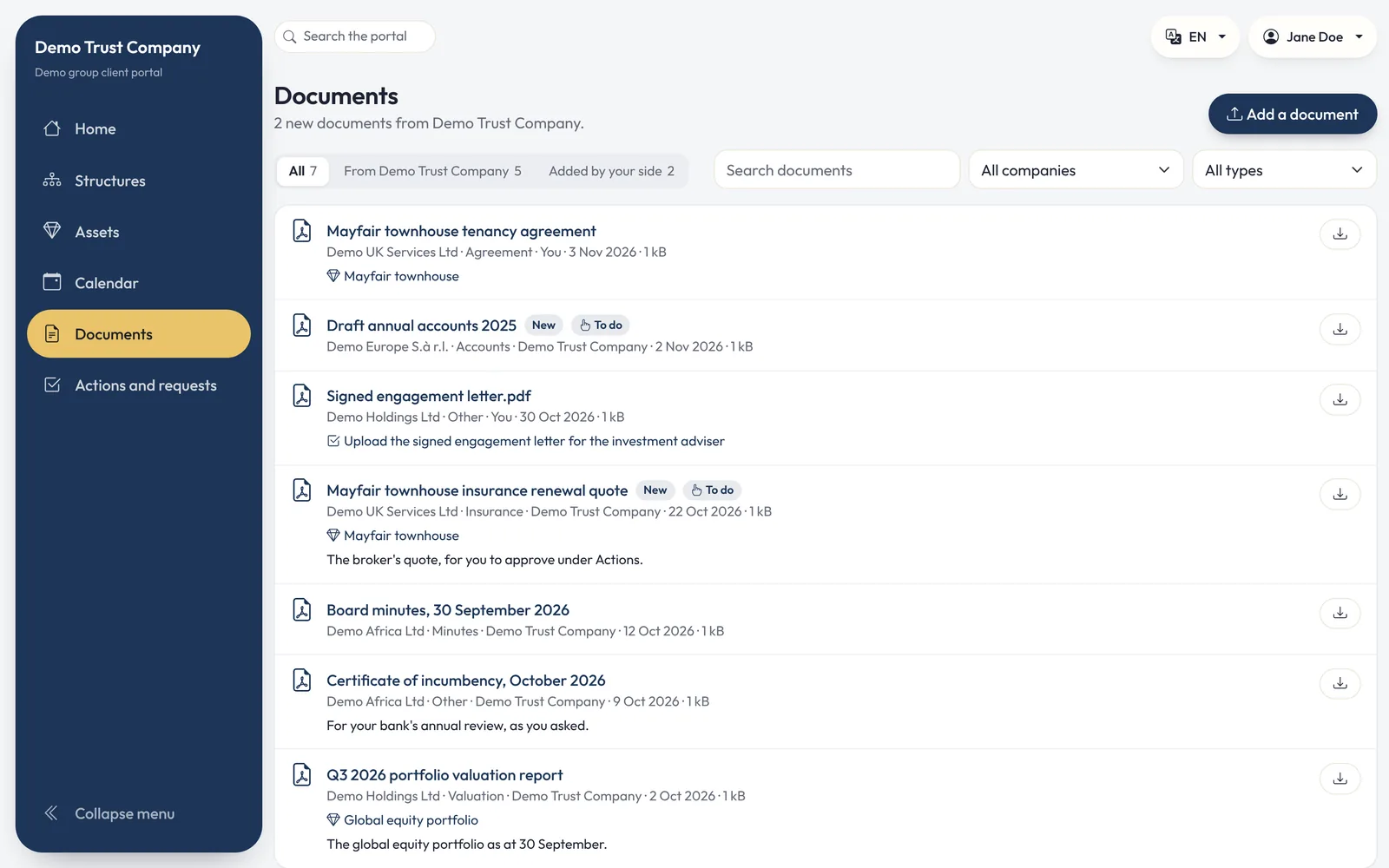
Demo data: portal documents library with documents shared by the firm and added by the client
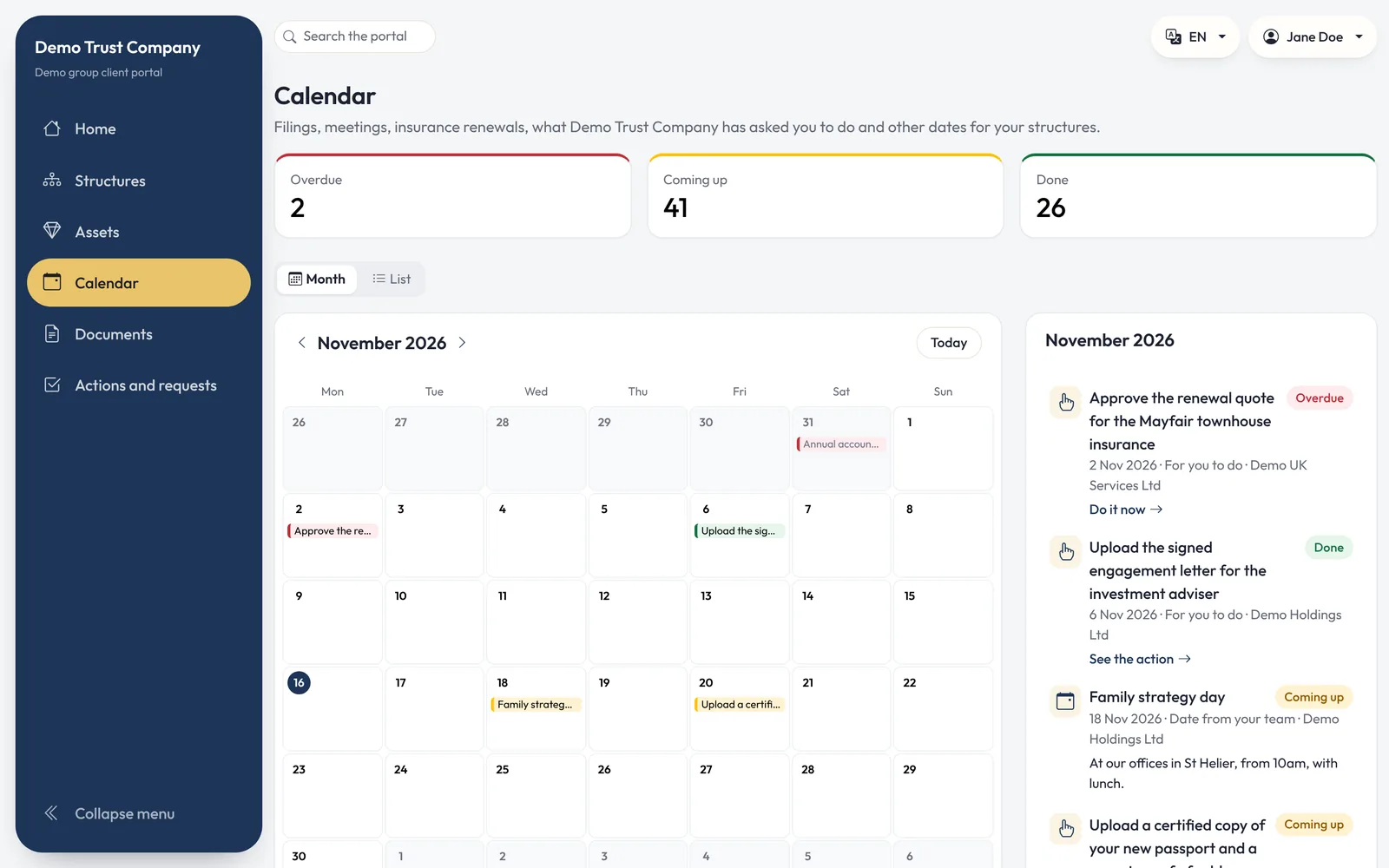
Demo data: portal calendar of filings, meetings and renewals for the month

Every screen on this page shows demo data. Demo Trust Company, the Demo group, its companies, people, assets and documents are fictitious.

What clients do
Every client interaction, tracked to completion

  • Approvals, uploads and acknowledgements. Each action carries a due date and a reason, and the response returns to the right member of your team.
  • Service requests. From the home page or New request, clients can ask for a valuation, a distribution, a call with their adviser or a change to their personal details.
  • Secure document exchange. Documents pass in both directions, each recorded against the entity it relates to.
  • Periodic reviews. Clients confirm their details and provide up-to-date documents when a review falls due.
  • Any device. The portal works on desktop, tablet and phone, in English or French.
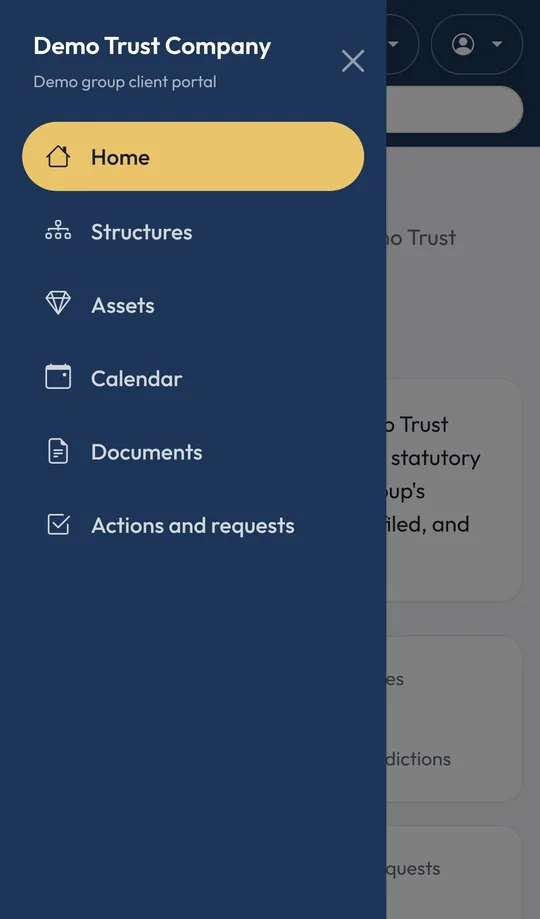
Demo dataDemo data: the client portal's menu open on a phone, in Demo Trust Company's colours
Demo data, on a phone.

What stays private

Open to your clients. Closed to everyone else.

Two-factor authentication

Clients sign in with a code sent by email and an authenticator app, every time.

Sensitive details withheld

Dates of birth, identity documents, tax numbers and bank account details are never displayed in the portal.

Every visit recorded

Each entity a client opens is recorded in your audit trail.

See it for yourself

Your entities. Your jurisdictions. One source of truth.

Book a 45-minute demonstration. Tell us which jurisdictions you administer, and we will show you Vericia at work on structures like your own.